 Outwest Office
Office apps that open your files and stay out of your way
Outwest Office is nine apps (Write, Sheets, Present, PDF, Mail, Draw, Cite, Web and Talk) for the computers and phones you already use. They open the Word, Excel and PowerPoint files you already have, and your work stays on your own device.
The apps
Each one does one job. They look alike and share their settings, so once you know one, you know your way around the rest.

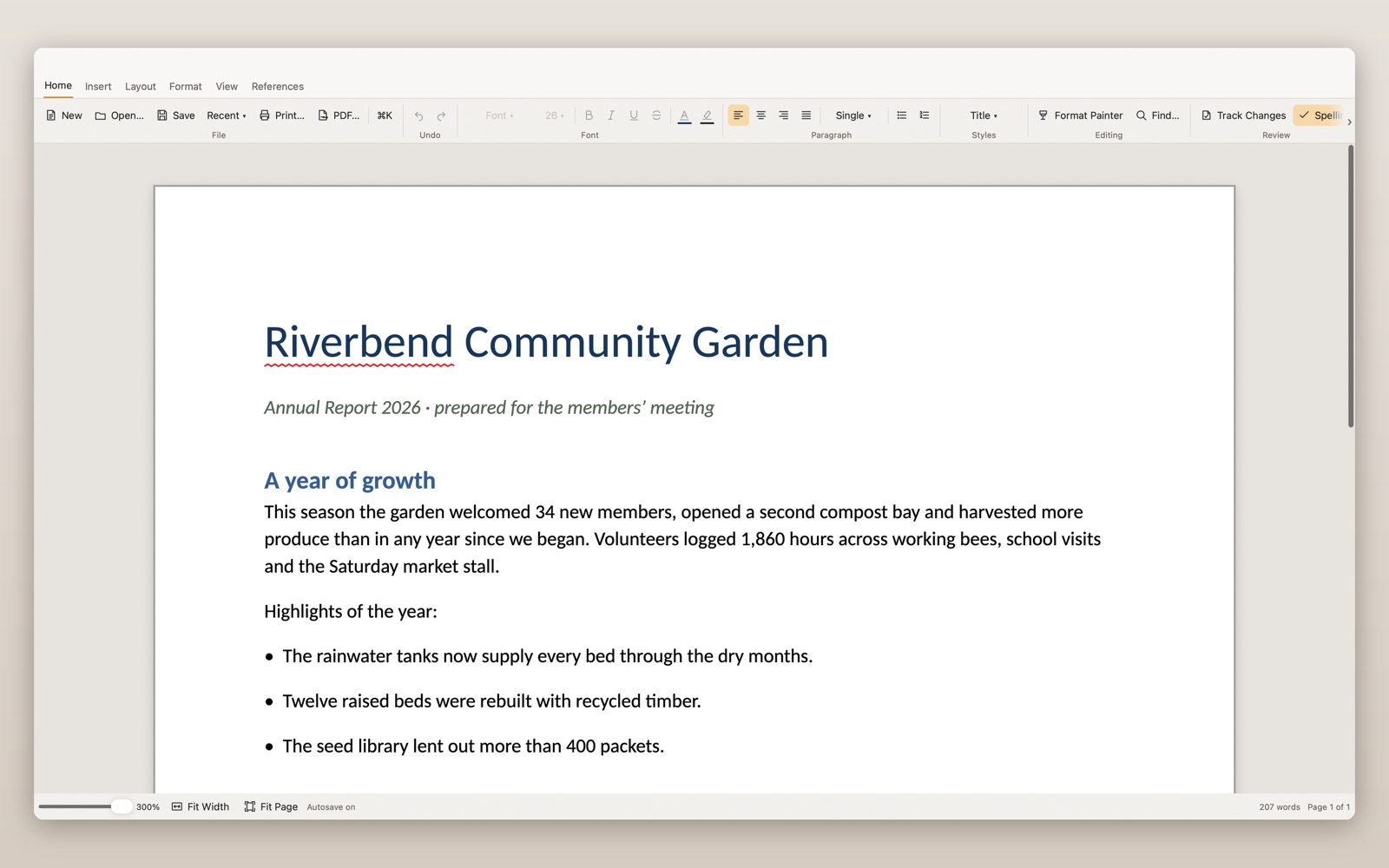
Write Documents with styles, tables, track changes, comments and citations. Opens and saves Word and OpenDocument files.

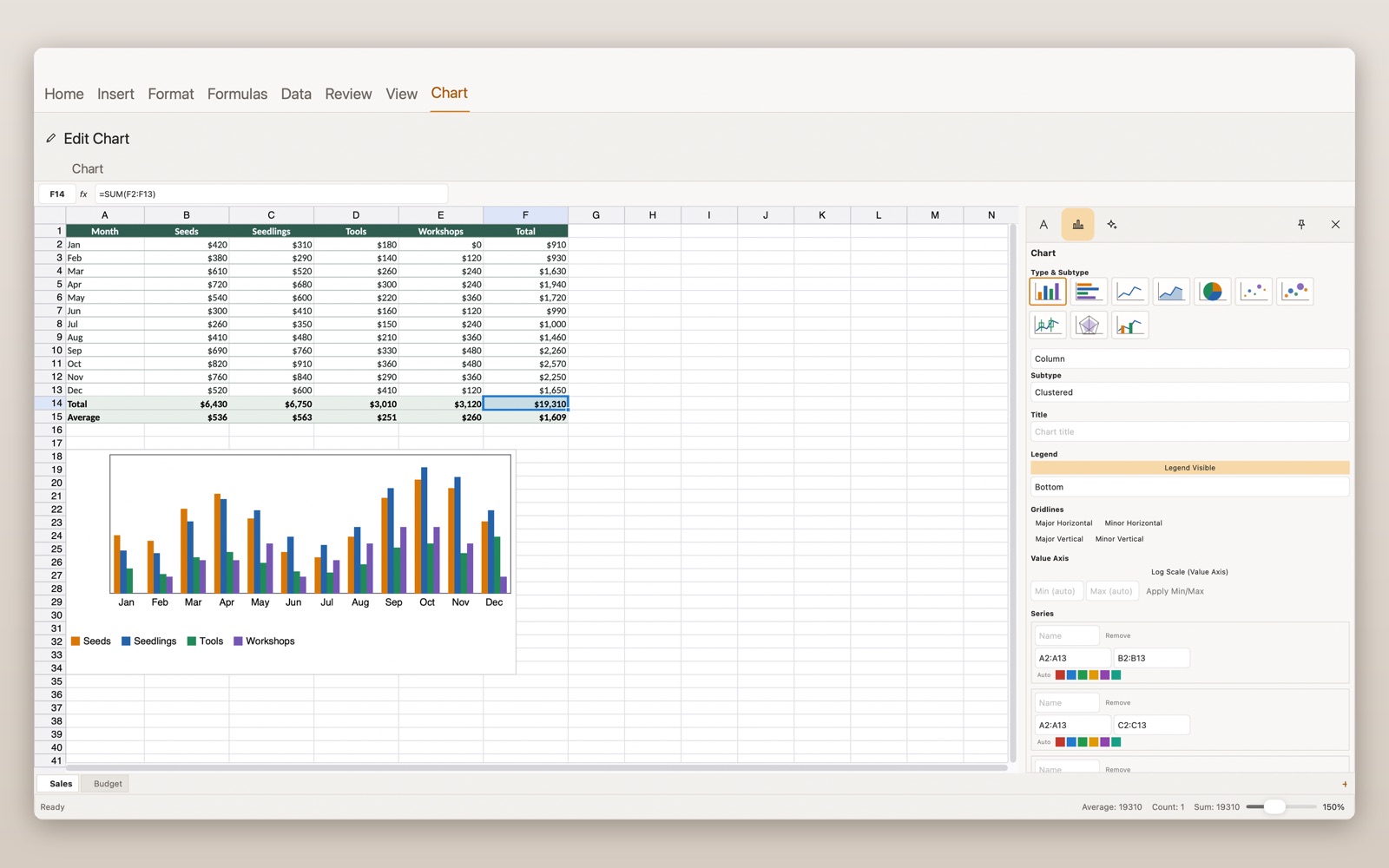
Sheets Spreadsheets with formulas, charts, pivot tables and conditional formatting. Opens and saves Excel, OpenDocument and CSV files.

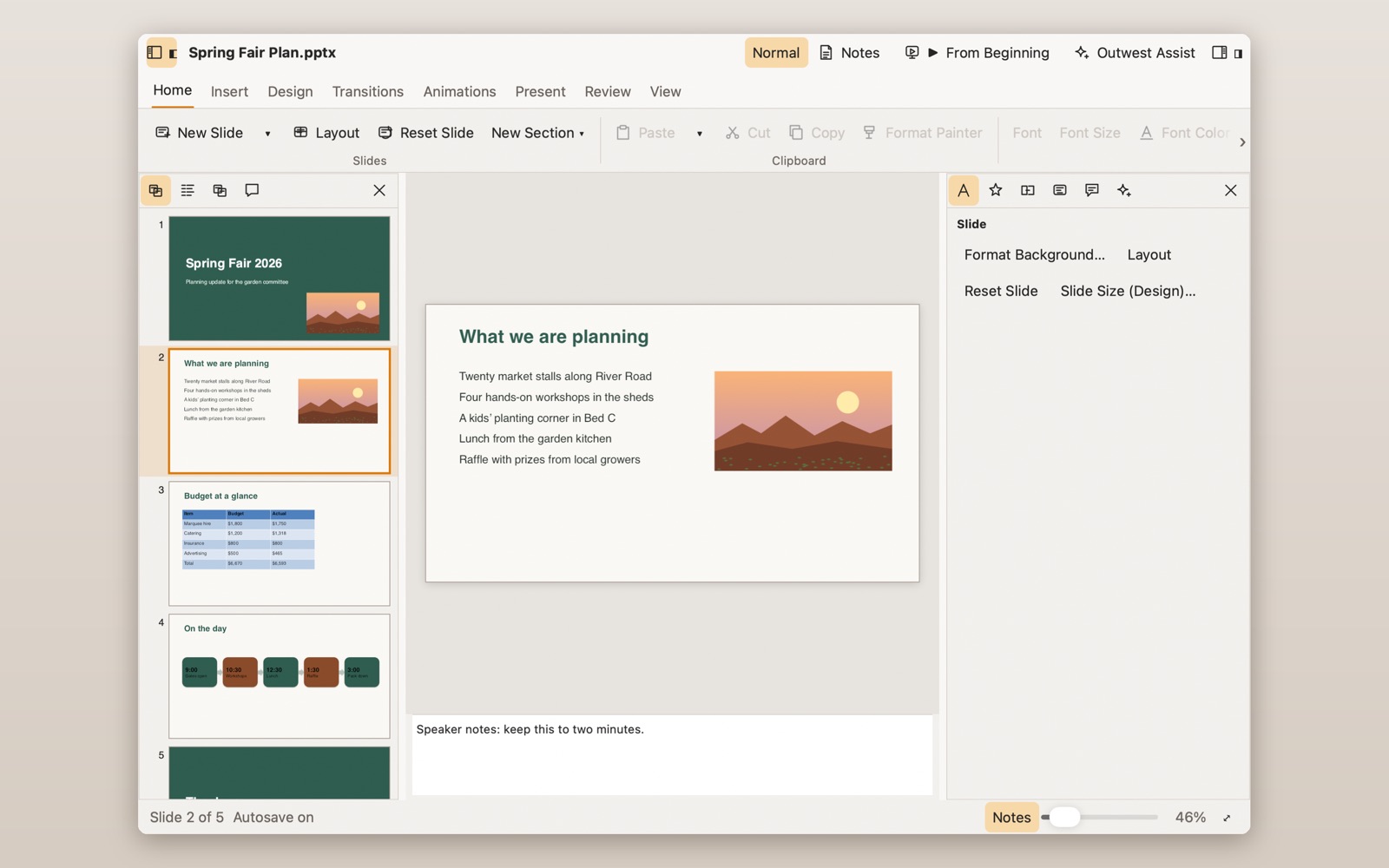
Present Presentations with themes, animations, transitions and a presenter view. Opens and saves PowerPoint files.
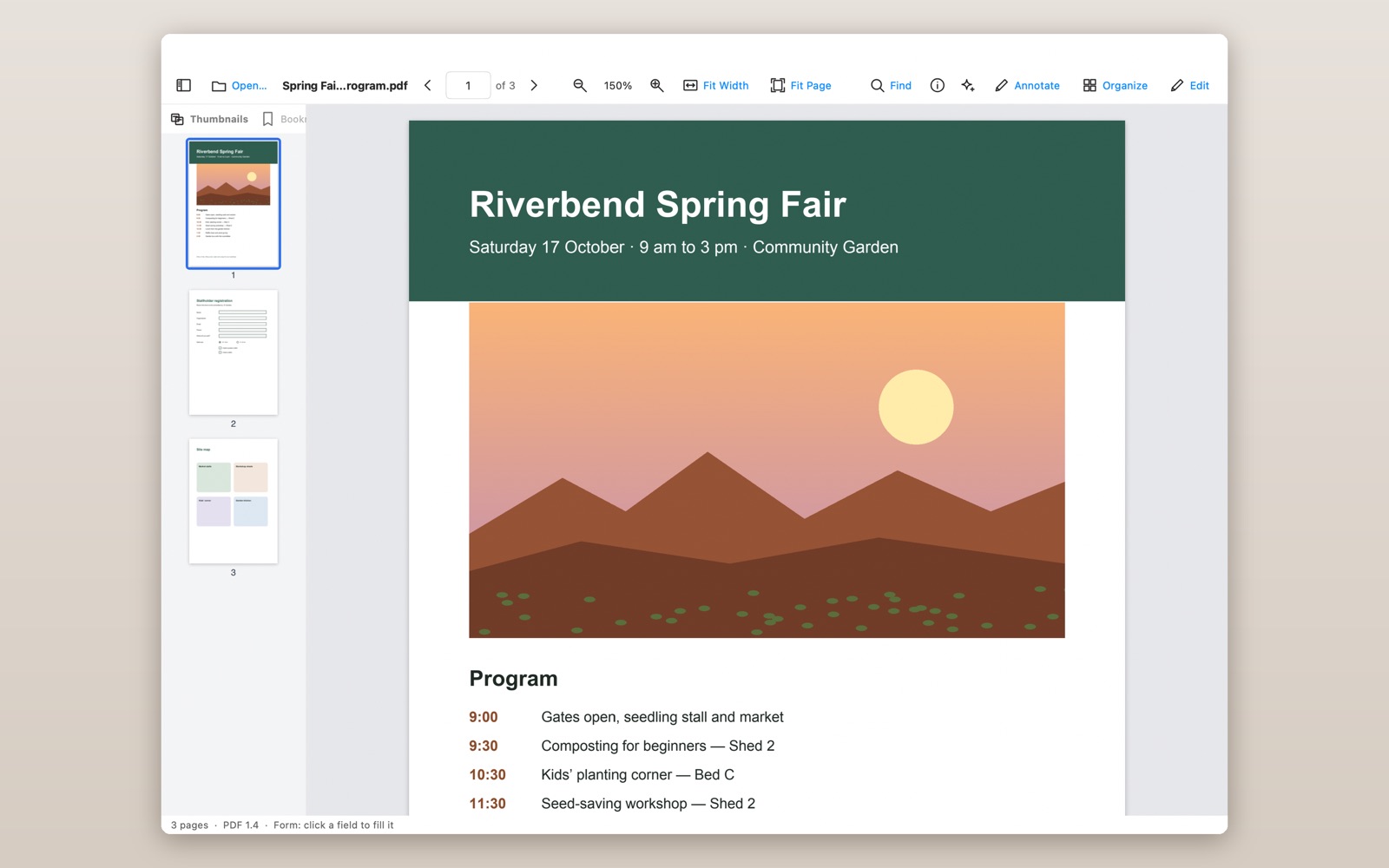
PDF Read, annotate, fill in and sign PDFs, redact them, and combine, split or reorder their pages.

Mail Mail, calendar, contacts and tasks for IMAP, Microsoft 365 and Gmail accounts, in one window.

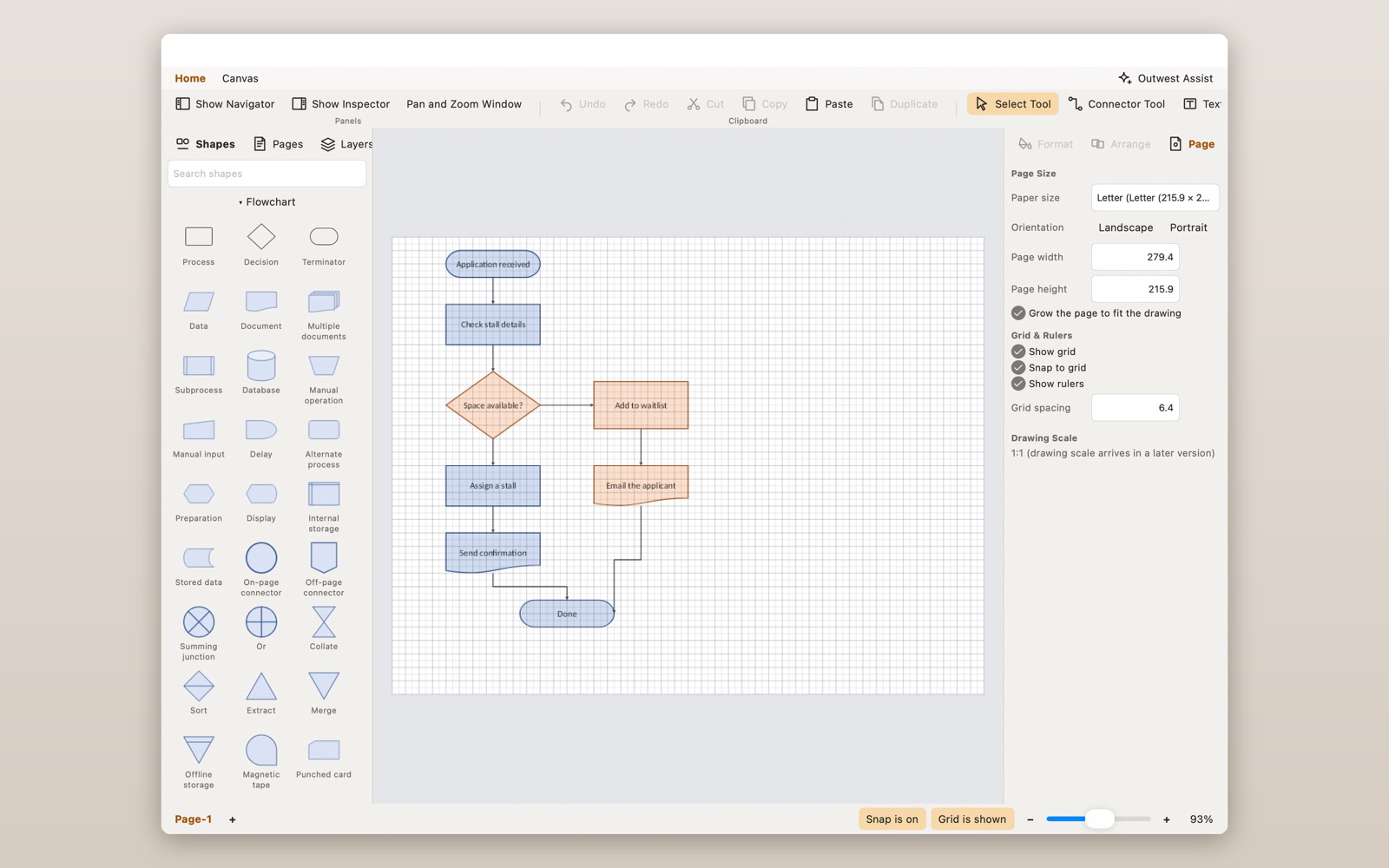
Draw Diagrams and drawings with shapes, connectors and stencils.

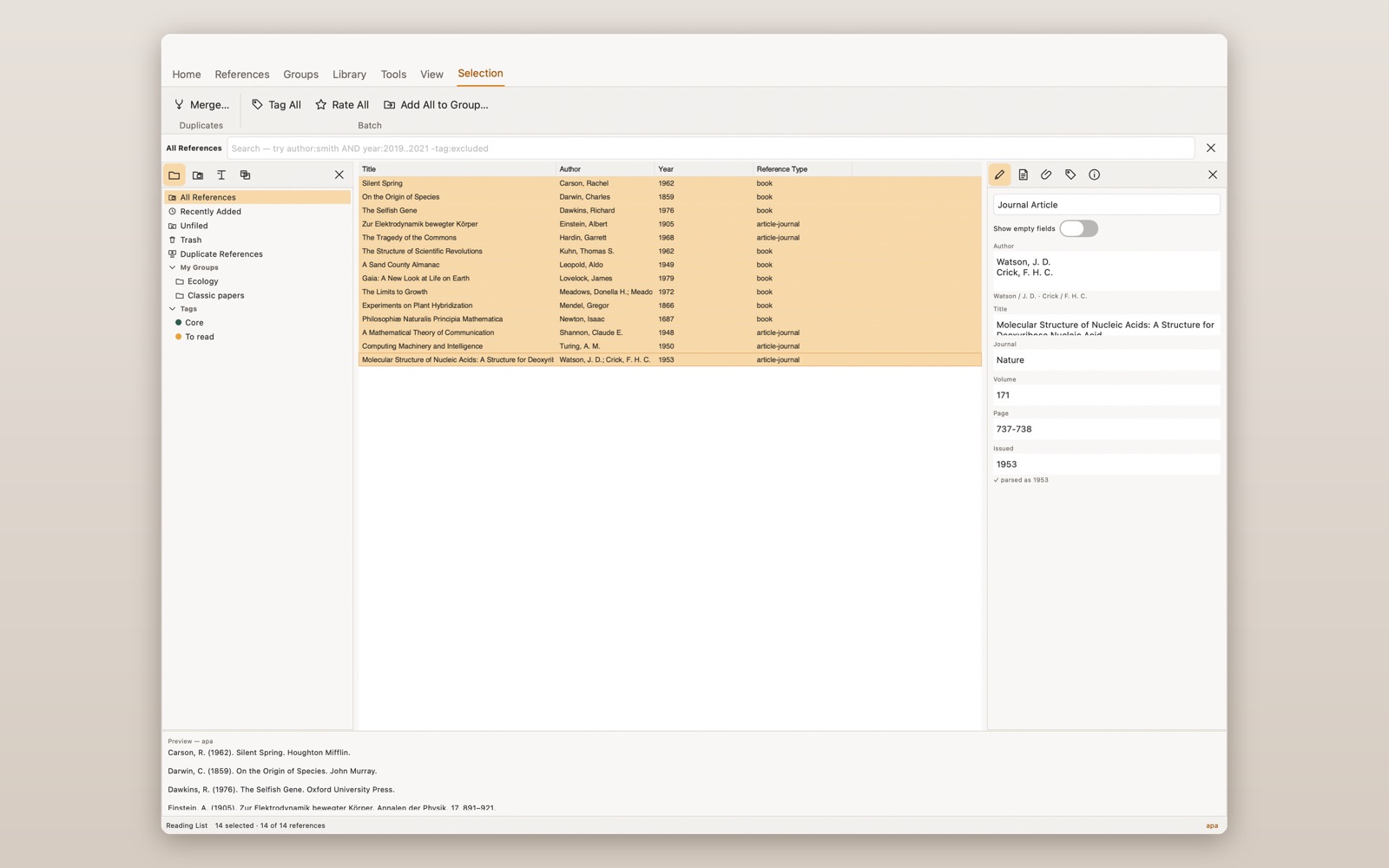
Cite Collect references and PDFs, then cite them in Write in the style you need. Imports EndNote and Zotero libraries.

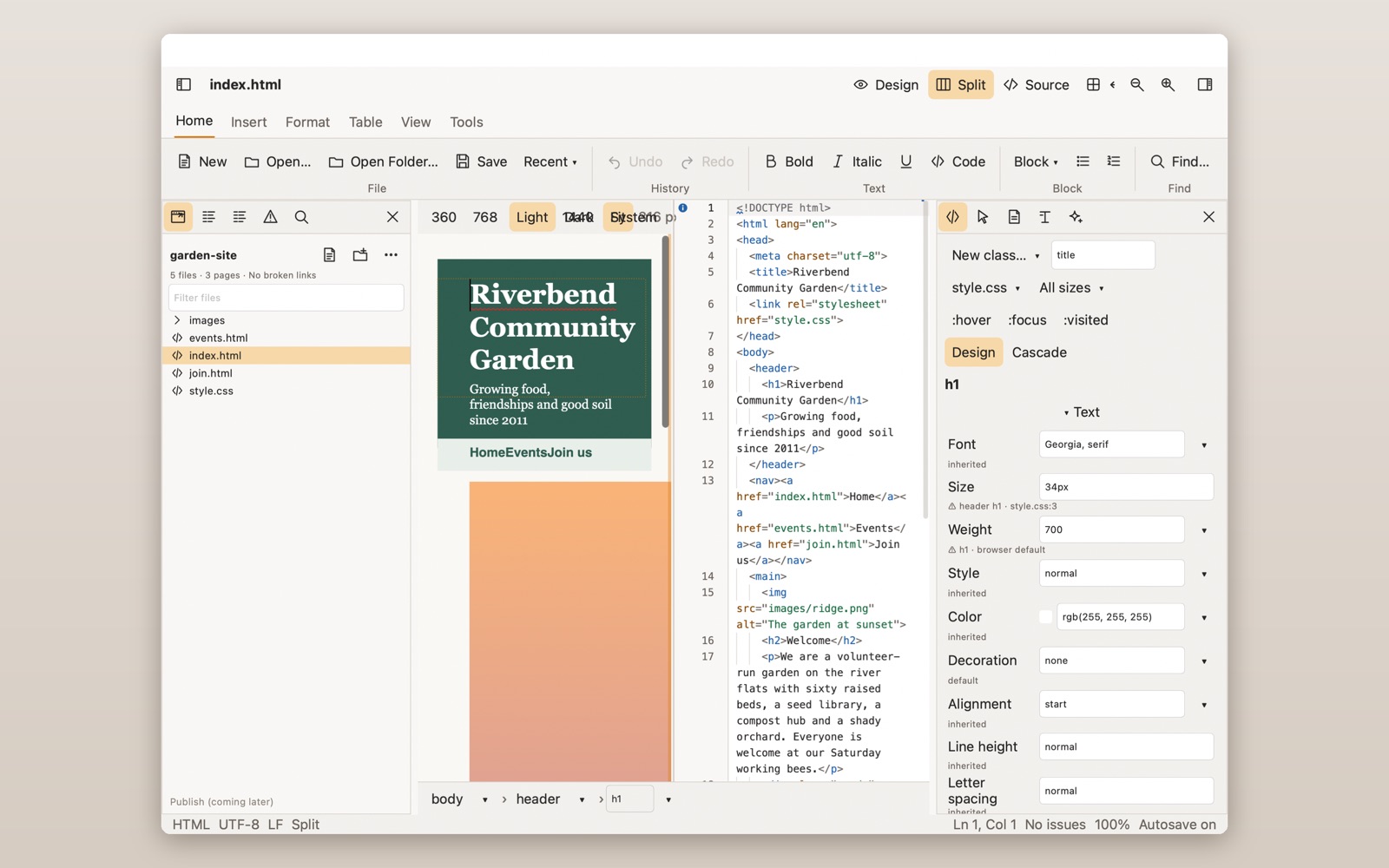
Web Design web pages visually or in their HTML, side by side.

Talk Chat, calls and meetings on your Nextcloud Talk server.
What they look like
What we care about
Native on every device
A real Mac app, Windows app and Linux app, with a touch layout on iPhone and iPad.
Your files, your formats
Open and save Microsoft Office and OpenDocument files. You are told before a save would lose anything.
No account needed
The apps work without signing up. There are no ads and no tracking, and crash reports are sent only if you agree.
Assist, when you want it
Outwest Assist is optional and stays off until you set it up with an AI provider you choose.
Supported systems
| Mac | macOS 12 Monterey or later |
|---|---|
| iPhone and iPad | iOS 16 and iPadOS 16 or later |
| Android | Android 10 or later |
| Windows | Windows 10 (version 1809) or later, and Windows 11 |
| Linux | Ubuntu 24.04 or later, Debian 13, and current Fedora and Arch, on x86-64 |
| FreeBSD | FreeBSD 15 or later, on amd64 (x86-64) |
Get the apps
Each app links to where you can get it on each system. Links appear as each app becomes available.
| Write | Mac: TestFlight beta · iPhone and iPad: TestFlight beta |
|---|---|
| Sheets | Mac: TestFlight beta · iPhone and iPad: TestFlight beta |
| Present | Mac: TestFlight beta · iPhone and iPad: TestFlight beta |
| Mac: TestFlight beta · iPhone and iPad: TestFlight beta | |
| Mac: TestFlight beta · iPhone and iPad: TestFlight beta | |
| Draw | Mac: TestFlight beta · iPhone and iPad: TestFlight beta |
| Cite | Mac: TestFlight beta · iPhone and iPad: TestFlight beta |
| Web | Mac: TestFlight beta · iPhone and iPad: TestFlight beta |
| Talk | Mac: TestFlight beta · iPhone and iPad: TestFlight beta |
For organisations
Outwest Office delivers your organisation's mail accounts, signatures, files and settings to every device, and manages licences and devices from one console.
To connect a device, open Settings > Organisation in any Outwest app and choose Join Organisation.
New here? Start with the invitation link your administrator sent you.